Overview





PlutoPrint
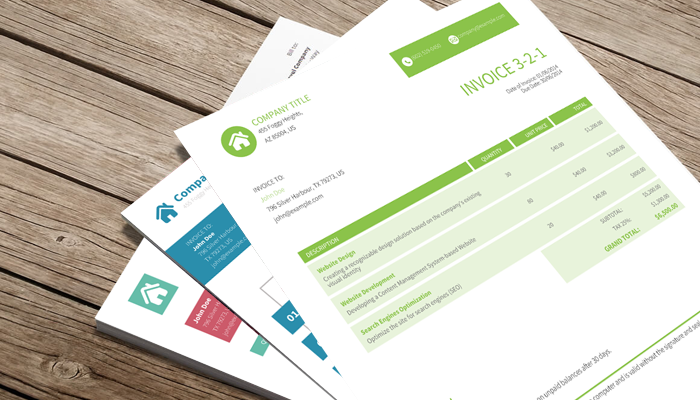
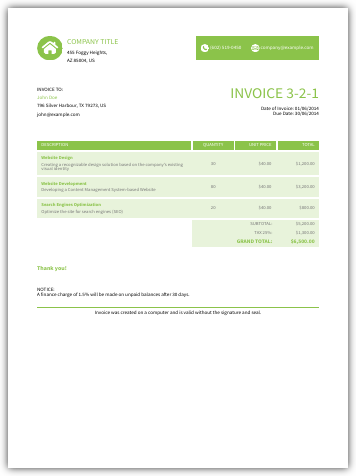
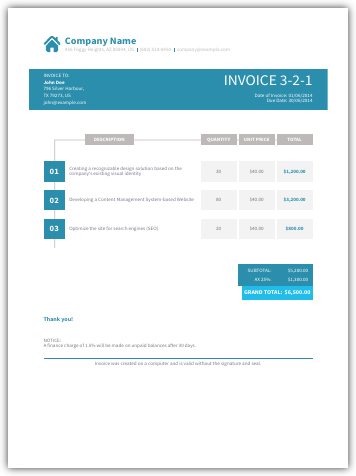
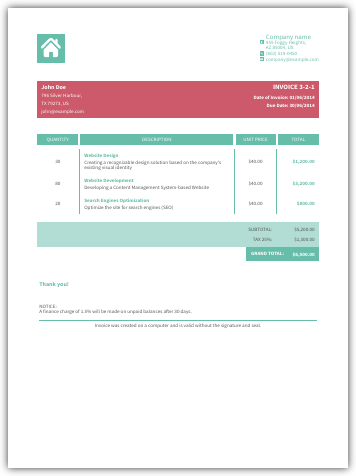
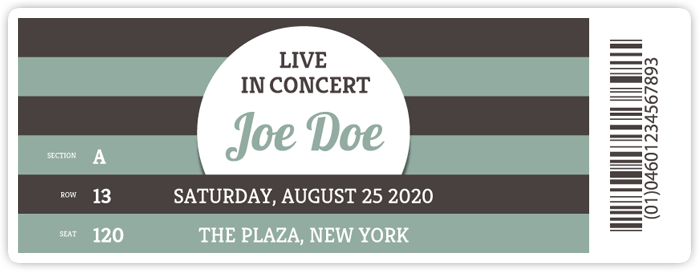
PlutoPrint is a lightweight and easy-to-use Python library for generating high-quality PDFs and images directly from HTML or XML content. It is based on PlutoBook’s robust rendering engine and provides a simple API to convert your HTML into crisp PDF documents or vibrant image files. This makes it ideal for reports, invoices, or visual snapshots.
Invoices |
Tickets |
|---|---|
|
|

Installation
pip install plutoprint
PlutoPrint requires PlutoBook. On Windows (win_amd64), Linux (manylinux_2_28_x86_64) and macOS (macosx_14_0_arm64), prebuilt binaries are bundled with the package and no further steps are necessary. On other architectures or when building from source, see the Getting Started guide for dependency setup and build instructions.
On macOS and Linux, you can also install PlutoPrint using Homebrew:
brew update
brew install plutoprint
Quick Usage
Generate a PDF from the command line with the installed plutoprint script:
plutoprint input.html output.pdf --size=A4
Generate PDF with Python
import plutoprint

book = plutoprint.Book(plutoprint.PAGE_SIZE_A4)
book.load_url("hello.html")

# Export the entire document to PDF
book.write_to_pdf("hello.pdf")

# Export pages 2 to 15 (inclusive) in order
book.write_to_pdf("hello-range.pdf", 2, 15, 1)

# Export pages 15 to 2 (inclusive) in reverse order
book.write_to_pdf("hello-reverse.pdf", 15, 2, -1)

# Render pages manually with PDFCanvas (in reverse order)
with plutoprint.PDFCanvas("hello-canvas.pdf", book.get_page_size()) as canvas:
   canvas.scale(plutoprint.UNITS_PX, plutoprint.UNITS_PX)
   for page_index in range(book.get_page_count() - 1, -1, -1):
      canvas.set_size(book.get_page_size_at(page_index))
      book.render_page(canvas, page_index)
      canvas.show_page()
Generate PNG with Python
import plutoprint
import math

book = plutoprint.Book(media=plutoprint.MEDIA_TYPE_SCREEN)
book.load_html("<b>Hello World</b>", user_style="body { text-align: center }")

# Outputs an image at the document’s natural size
book.write_to_png("hello.png")

# Outputs a 320px wide image with auto-scaled height
book.write_to_png("hello-width.png", width=320)

# Outputs a 240px tall image with auto-scaled width
book.write_to_png("hello-height.png", height=240)

# Outputs an 800×200 pixels image (may stretch/squish content)
book.write_to_png("hello-fixed.png", 800, 200)

# Get the natural document size
width = math.ceil(book.get_document_width())
height = math.ceil(book.get_document_height())

# Outputs a high-resolution 5x scaled image
book.write_to_png("hello-scaled.png", width * 5, height * 5)

# Render manually on a canvas with white background
with plutoprint.ImageCanvas(width, height) as canvas:
   canvas.clear_surface(1, 1, 1)
   book.render_document(canvas)
   canvas.write_to_png("hello-canvas.png")
Generate QR Codes
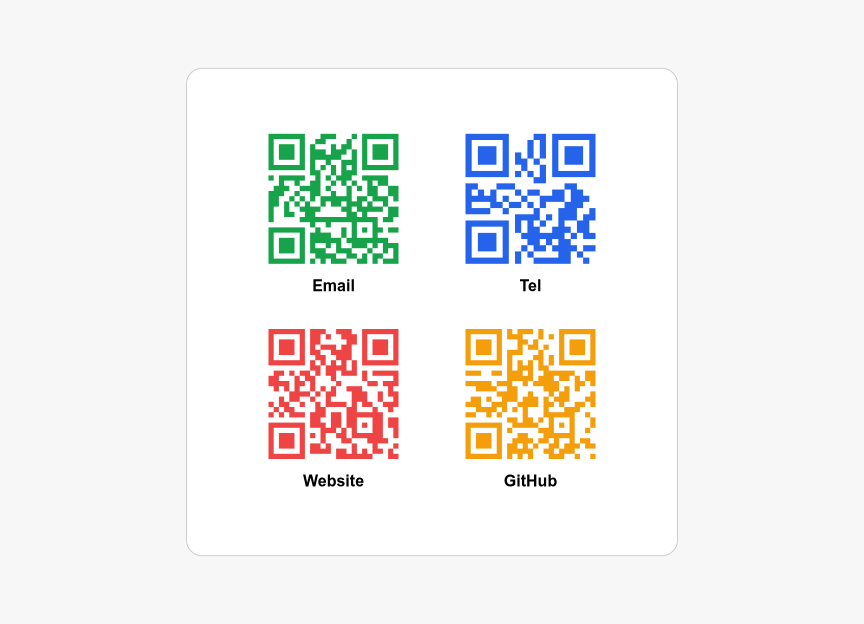
Quick example of using -pluto-qrcode(<string>[, <color>]) to create QR codes with optional colors.
import plutoprint

HTML_CONTENT = """
<table>
  <tr>
    <th class="email">Email</th>
    <th class="tel">Tel</th>
  </tr>
  <tr>
    <th class="website">Website</th>
    <th class="github">GitHub</th>
  </tr>
</table>
"""

USER_STYLE = """
body {
  margin: 0;
  height: 100vh;
  display: flex;
  justify-content: center;
  align-items: center;
  background: #f7f7f7;
  font: 16px Arial;
}

table {
  border-spacing: 2rem;
  background: #fff;
  padding: 2rem;
  border: 1px solid #ccc;
  border-radius: 16px;
}

th::before {
  display: block;
  width: 130px;
  height: 130px;
  margin: 0 auto 0.8rem;
}

.email::before   { content: -pluto-qrcode('mailto:contact@example.com', #16a34a); }
.tel::before     { content: -pluto-qrcode('tel:+1234567890', #2563eb); }
.website::before { content: -pluto-qrcode('https://example.com', #ef4444); }
.github::before  { content: -pluto-qrcode('https://github.com/plutoprint', #f59e0b); }
"""

book = plutoprint.Book(plutoprint.PAGE_SIZE_LETTER.landscape())
book.load_html(HTML_CONTENT, USER_STYLE)
book.write_to_png("qrcard.png")
book.write_to_pdf("qrcard.pdf")
Expected output:
Generate Charts with Matplotlib
import plutoprint

import matplotlib.pyplot as plt
import urllib.parse
import io

class CustomResourceFetcher(plutoprint.ResourceFetcher):
   def fetch_url(self, url):
      if not url.startswith('chart:'):
         return super().fetch_url(url)
      values = [float(v) for v in urllib.parse.unquote(url[6:]).split(',')]
      labels = [chr(65 + i) for i in range(len(values))]

      plt.bar(labels, values)
      plt.title('Bar Chart')
      plt.xlabel('Labels')
      plt.ylabel('Values')

      buffer = io.BytesIO()
      plt.savefig(buffer, format='svg', transparent=True)

      return plutoprint.ResourceData(buffer.getvalue(), "image/svg+xml", "utf-8")

book = plutoprint.Book(plutoprint.PAGE_SIZE_A4.landscape(), plutoprint.PAGE_MARGINS_NONE)

book.custom_resource_fetcher = CustomResourceFetcher()

HTML_CONTENT = """
<body>
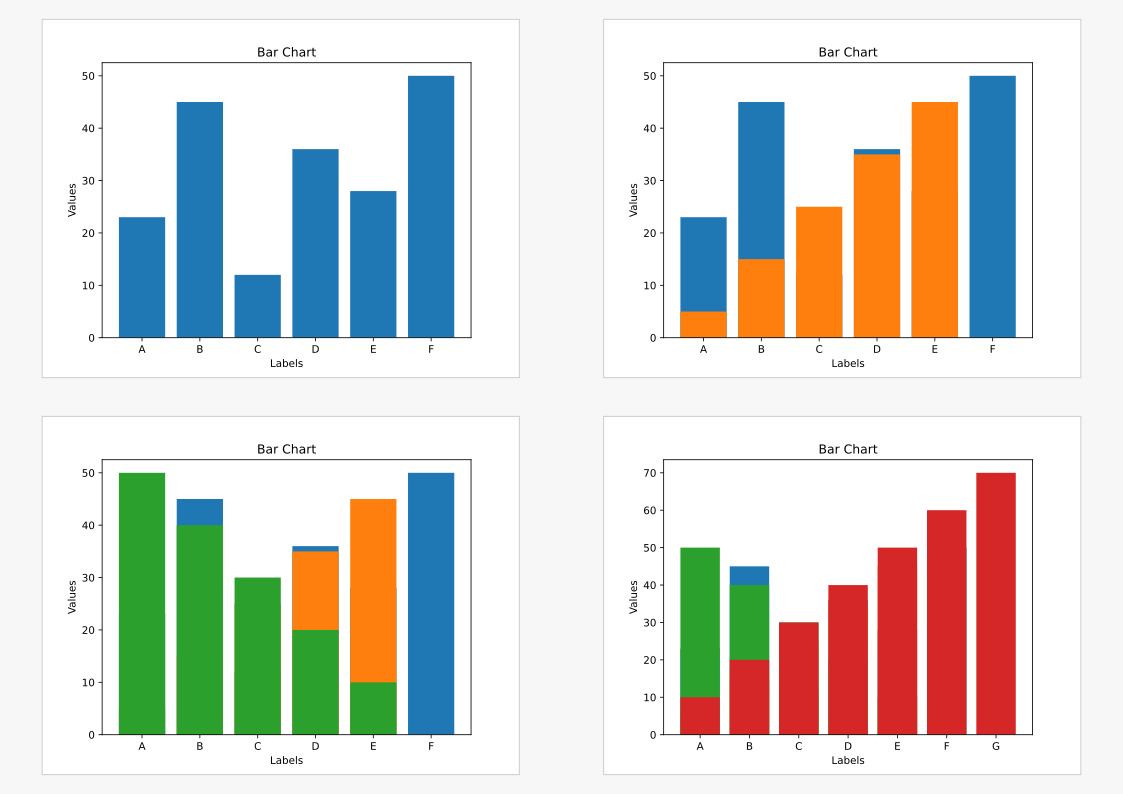
  <img src='chart:23,45,12,36,28,50'>
  <img src='chart:5,15,25,35,45'>
  <img src='chart:50,40,30,20,10'>
  <img src='chart:10,20,30,40,50,60,70'>
</body>
"""

USER_STYLE = """
body {
  display: flex;
  flex-wrap: wrap;
  justify-content: center;
  align-items: center;
  background: #f7f7f7;
  height: 100vh;
  margin: 0;
}

img {
  background: #fff;
  border: 1px solid #ccc;
  margin: auto;
  max-height: 45vh;
}
"""

book.load_html(HTML_CONTENT, USER_STYLE)
book.write_to_png("charts.png")
book.write_to_pdf("charts.pdf")
Expected output:
Samples
|
|
|
|

|

|

|
Links & Resources
Documentation: https://plutoprint.readthedocs.io
Donation: https://github.com/sponsors/plutoprint
Support and Contribution
This project continues to grow through the encouragement and involvement of its users. If it has been helpful to you or your team, here are a few meaningful ways you can support its future:
Give it a Star on GitHub. Starring the project helps others discover it and shows your appreciation for the work behind it.
Sponsor the project to help drive new features, improve stability, and ensure the project continues to evolve for everyone who relies on it.
Share your feedback. If you have suggestions, feature requests, or notice an issue, please open a GitHub issue. Your voice and experience help guide the project’s direction.
License
PlutoPrint is licensed under the MIT License, allowing for both personal and commercial use.